Forward Invoices from Your Email
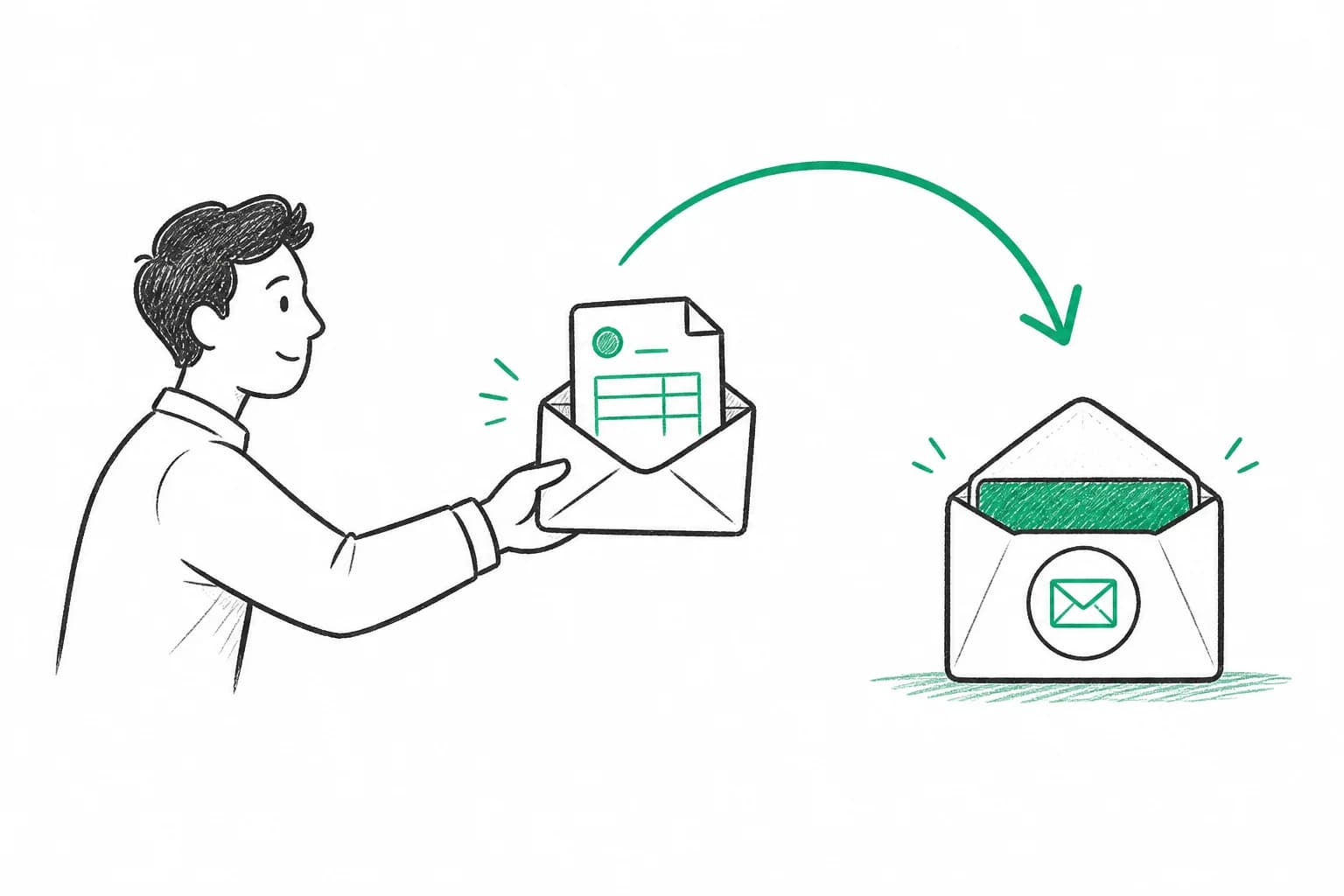
Get your own dedicated email address. Forward invoices once, we handle the rest — no inbox access required.
How to keep track of invoices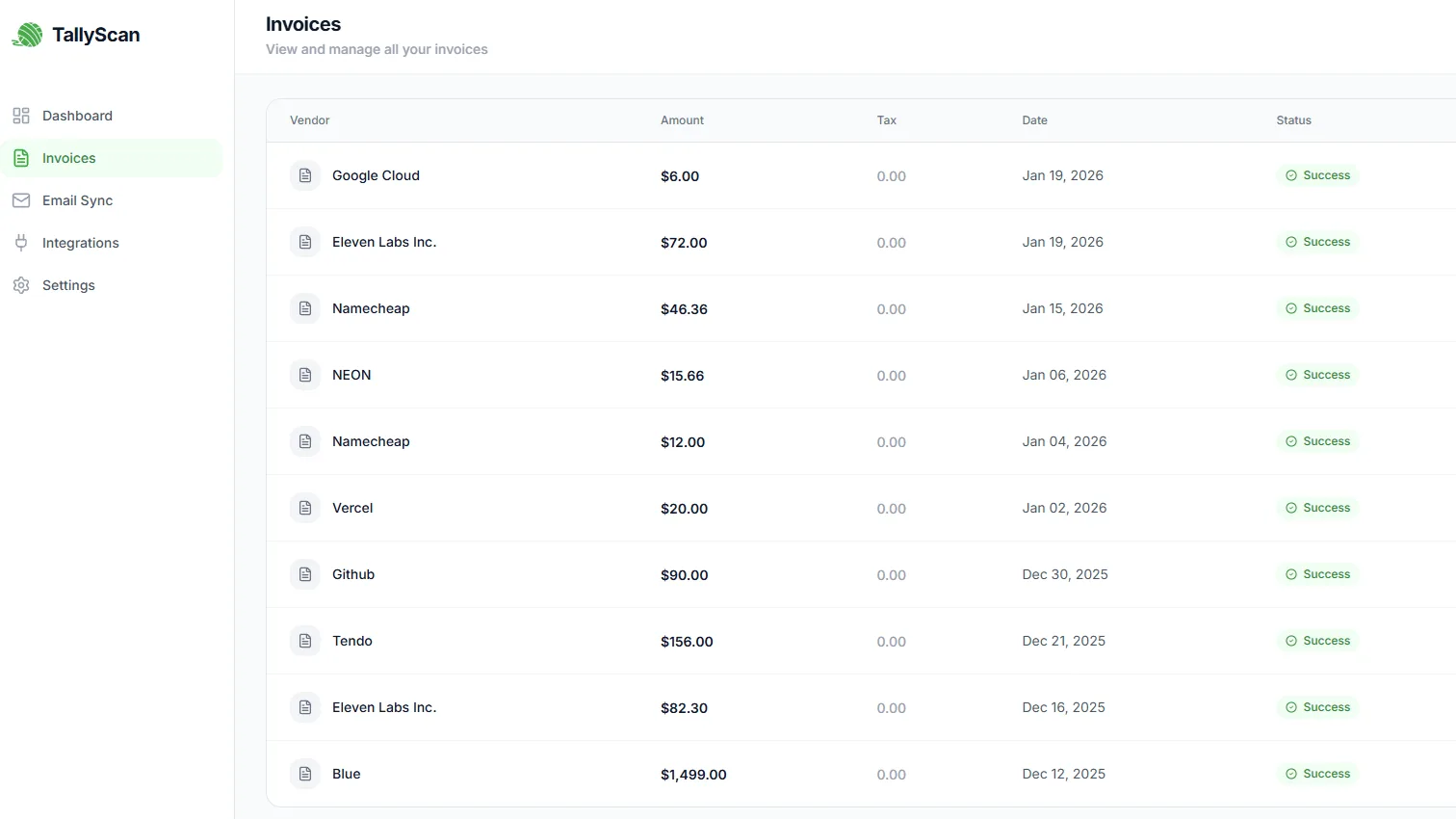
End the manual invoice entry marathon. Forward invoice emails or upload PDFs to extract data and sync to Google Sheets, QuickBooks, Xero, Notion, Drive and OneDrive.
Core Features
Stop wasting time on repetitive manual typing. Focus on growing your business instead.
Get your own dedicated email address. Forward invoices once, we handle the rest — no inbox access required.
How to keep track of invoices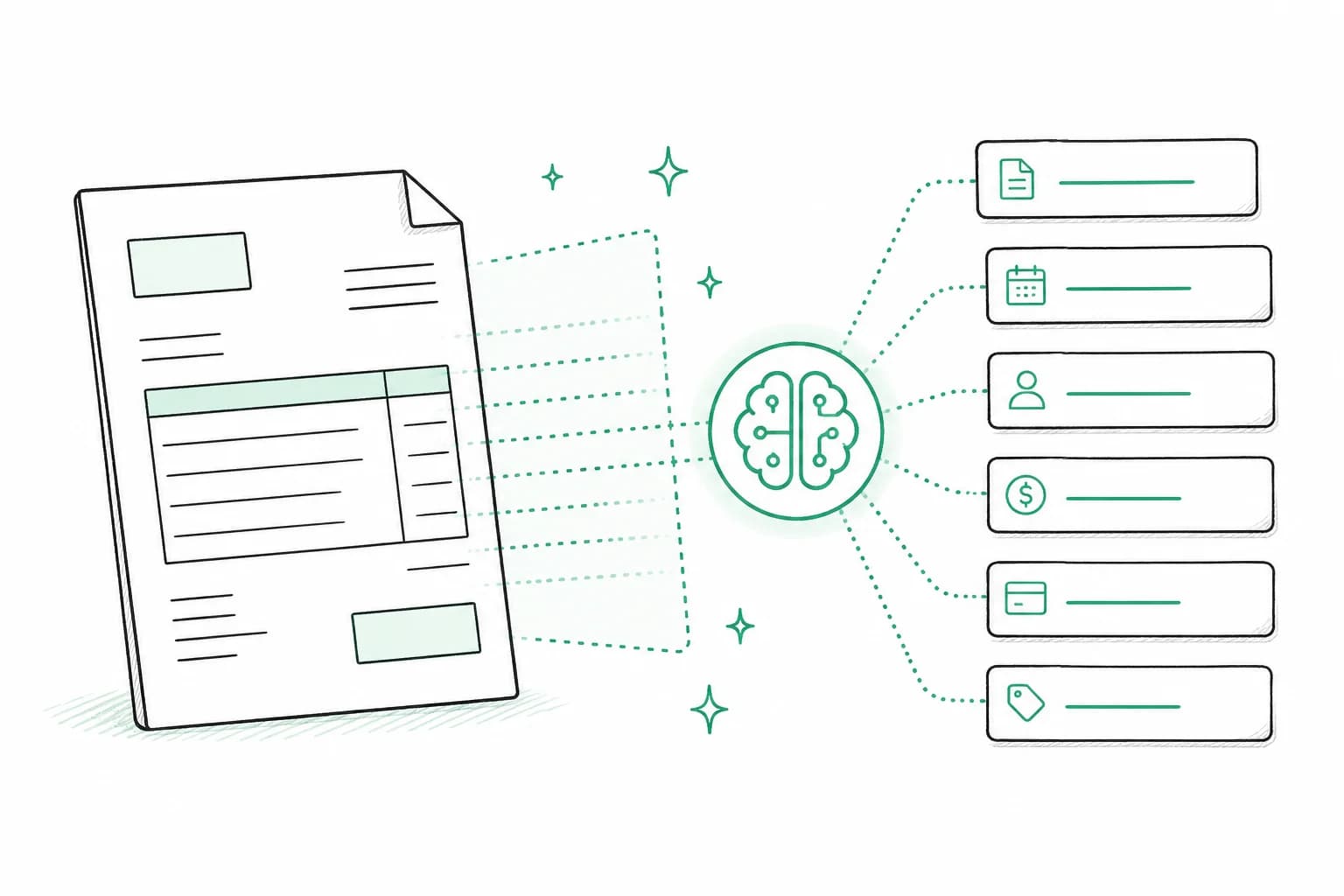
Vendor name, amount, date, and line items are captured automatically with 99.9% accuracy. No more manual typing.
Why AI invoice extraction is the new standard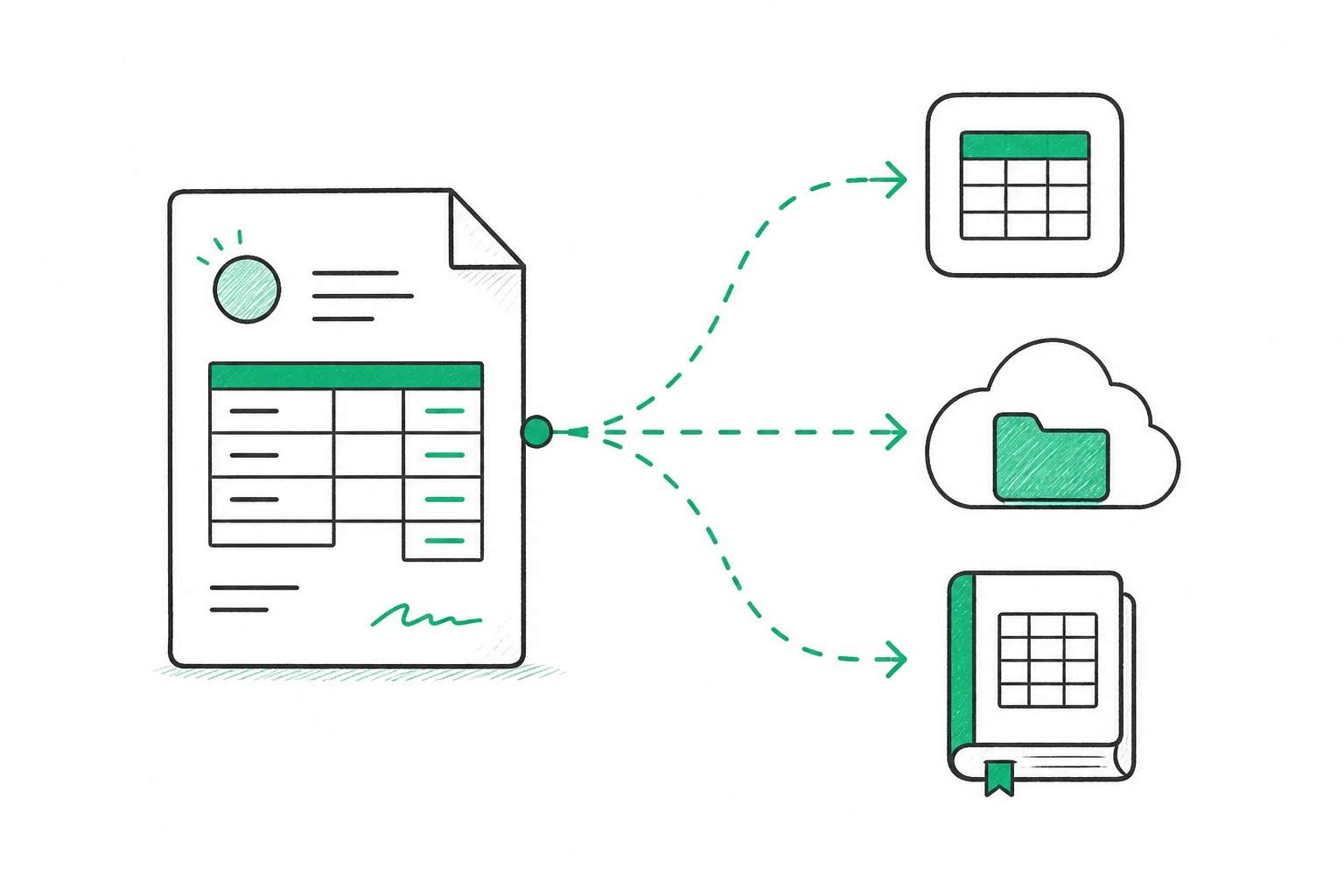
Invoice data flows directly to QuickBooks, Xero, Google Sheets, Notion, Google Drive, and OneDrive — automatically, every time.
Sync invoices to QuickBooks, Xero, and Google Drive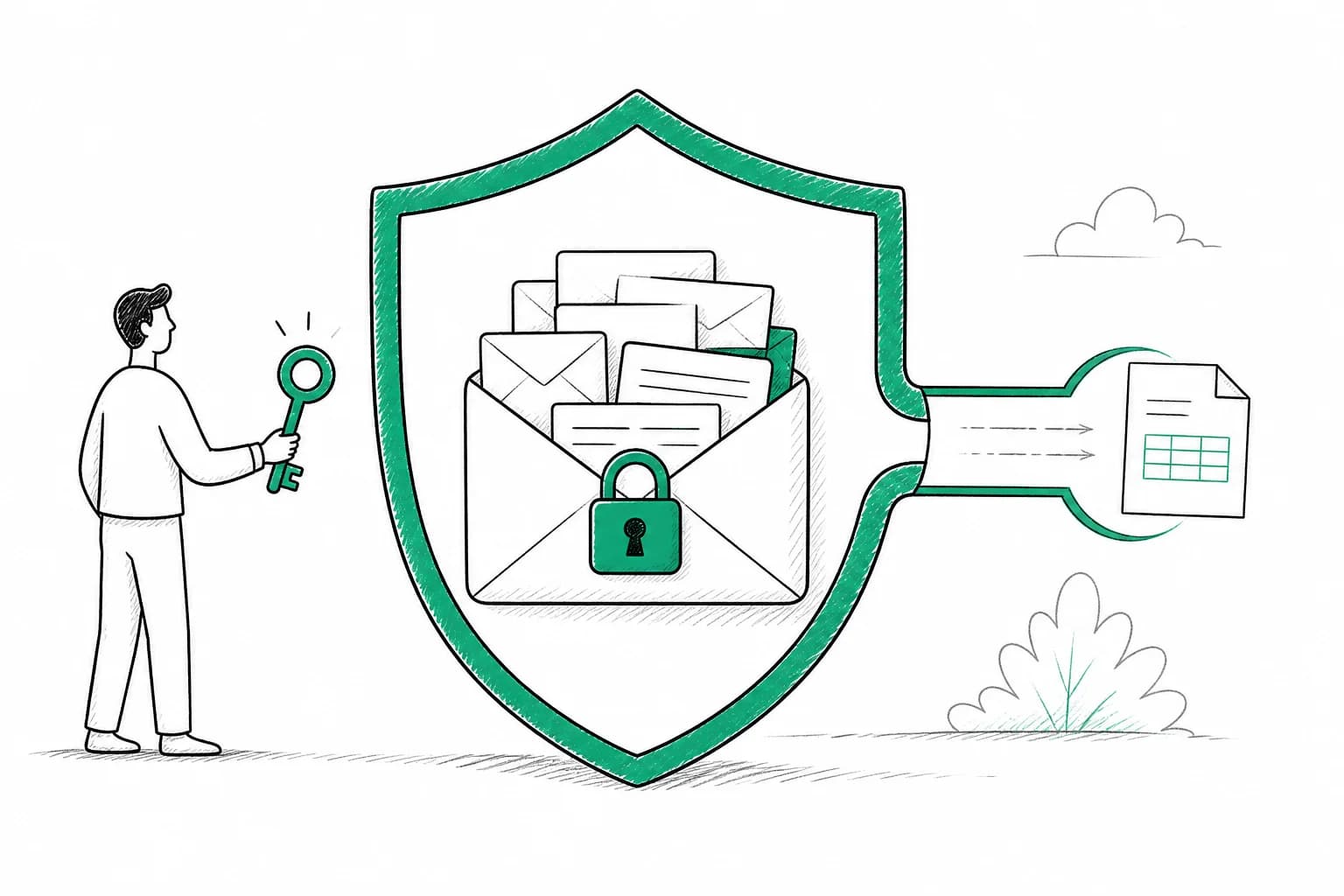
We never access your inbox. You control exactly what you share. No OAuth permissions, no unnecessary access.
Automate bookkeeping without losing controlExtracted invoice data flows directly into your accounting software, spreadsheets, and databases.

Google Sheets
Auto-sync invoice rows

Google Drive
Backup invoice files
.svg?dpl=dpl_35DFWiycJr2gH4BQ4LziswMT3exJ)
OneDrive
Cloud storage backup

Notion
Sync to any database

QuickBooks
Create bills automatically

Xero
Sync bills & contacts
Also export as CSV, Excel, and ZIP. More integrations coming soon. QuickBooks integration guide Request an integration
Privacy-First Approach
We never ask for access to your email account. You simply forward invoices to your dedicated address.
Full Inbox Access
Requires full Gmail/Outlook authorization
Access to all your emails, contacts, and sensitive data
Privacy risks
Your personal emails could be scanned or accessed
Security concerns
Third-party apps with broad permissions are risky
Hard to revoke
Once granted, difficult to know what is being accessed
Email Forwarding Only
No email account authorization needed
We never ask for access to your inbox
You stay in control
Only invoices you forward are processed, nothing else
Maximum privacy protection
Your personal emails stay private and untouched
Easy to stop anytime
Just stop forwarding — no complex permissions to revoke
Powered by AI
Our AI has processed millions of invoices. It knows what to look for and how to organize your data perfectly.
Vendor
Acme Corp
Amount
$1,234.56
Tax
$123.46
Invoice #
INV-1234567890
Date
Jan 15, 2025
Reads any invoice format (PDF, image, email)
Extracts vendor, amount, date, line items
Detects currency and converts automatically
99.9% accuracy on all fields
Processes in under 5 seconds
Learns from your corrections
What used to take 5 minutes per invoice now happens automatically in seconds. Save 40+ hours of manual work every single month. Compare OCR vs AI invoice tools
Drag and drop your invoice PDF or image. Or forward it from your email. We accept all common formats.
Vendor name, amount, date, line items - everything is captured automatically in seconds.
Data flows automatically to QuickBooks, Xero, Google Sheets, Drive, and Notion. Or export as CSV and ZIP.
Customer Stories
“I'm not a 'founder'—I'm just one guy trying to do good work. TallyScan is like having a part-time assistant who only costs as much as a cup of coffee.”
David Lee
Freelance Product Designer
“I used to spend every Saturday morning hunting for PDFs. TallyScan turned my most hated task into a background process that just works.”
Mark Smith
Digital Agency Founder
“It took 2 minutes to set up, and we haven't manually opened a PDF invoice since. Our annual audit took 4 hours instead of 4 days.”
Sarah J.
Operations Lead
Still have questions? Our support team typically responds within 24 hours. Get in touch →
Join 50+ businesses automating invoice processing and saving 40+ hours every month. Start free — no credit card required.